



For six years I navigated my boat off a single compass mounted to a dated old dashboard. No chart plotter, no fixed GPS — just the compass and whatever I had pulled up on my phone. Most boaters bolt a chart plotter to the helm the day they buy the boat. I waited, mostly because nothing on the market felt like a real upgrade over what I already had in my pocket. That finally changed with the Orca Display 2, and to put it in properly, I tore my whole helm apart for Surf’s Up Build episode eight.
Why I Finally Pulled the Trigger on a New Chart Plotter
Most fixed plotters lock you to one spot on the dash. You navigate from the helm or you don’t navigate at all. The Display 2 flips that on its head. It’s an Android-style tablet with no back — the unit clips into a wireless charging mount and snaps in and out by hand. When it’s docked, it lives on the dash like a normal chart plotter. When I want to scope out an anchorage from the bow, or check the chart at the dinette, I lift it off the mount and walk around with it. There’s no cable tethering it to the helm because there’s no cable, period. The display communicates wirelessly with the Orca Core 2 I installed back in episode six, which handles the GPS and networking under the helm.
What Comes in the Mount Kit
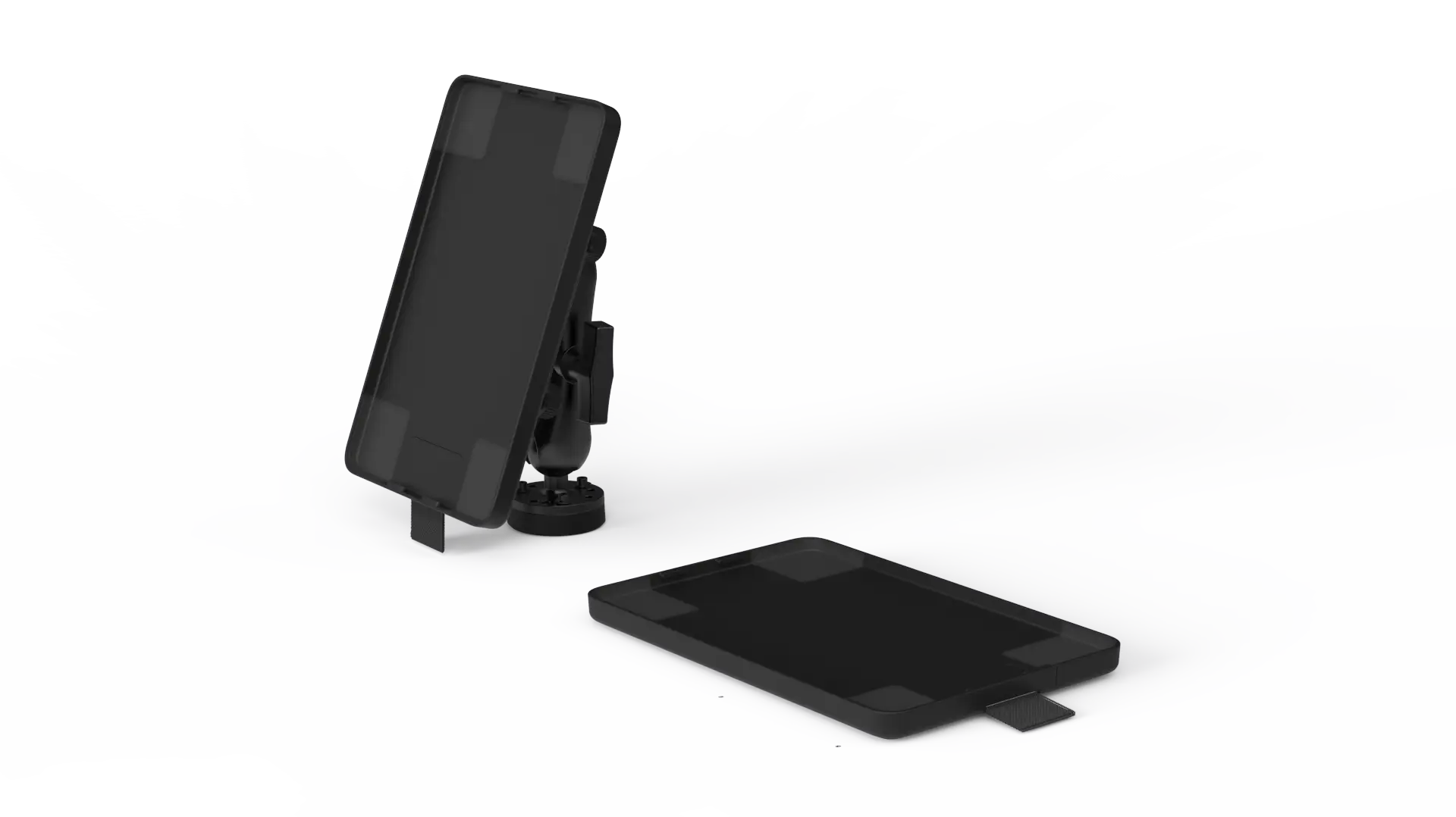
The flush mount kit ships with the wireless charger, the studs, hardware, and a cutting template. It doesn’t connect to NMEA 2000 or a transducer because the Core 2 is already doing that work. The mount itself installs two ways — surface mounted so it floats above the dash, or recessed flush into it. Both use the same hardware. The studs are real bolts with hand-tightened rubber-washer nuts on the back, not screws, which means alignment matters: you can’t drop the mount on and drill through later. I templated the holes off the mount, used the larger spacer studs so I’d have something to grip when tightening, and drilled one extra hole for the single power lead.
Building the Dash Took Three Days. The Install Took Ten Minutes.
The old helm was molded into the fiberglass, so getting the Orca Display to sit cleanly meant building a new dash out of acrylic. I photographed and labeled every wire and switch before pulling the old dash apart — port and starboard taped on the back of every connection — which saved me hours when I put it back together. I cut the new acrylic panel to match the original opening and laid it out so the engine data display dropped into the gap between the throttles. I’ll seal the perimeter with 4200 when the helm is wrapped up, which should make it considerably more watertight than the factory job.
The actual mount install? Ten minutes. Once the dash was cut, the four studs went through, the rubber-washer nuts hand-tightened from underneath, and the unit clicked into place. That ratio — three days of dash work for a ten-minute electronics install — reminded me of the LiTime battery box build from episode one. The Orca gear is genuinely easy to install. The hard part is everything that surrounds it.
Floating Mount vs Flush Mount: Why I Changed My Mind
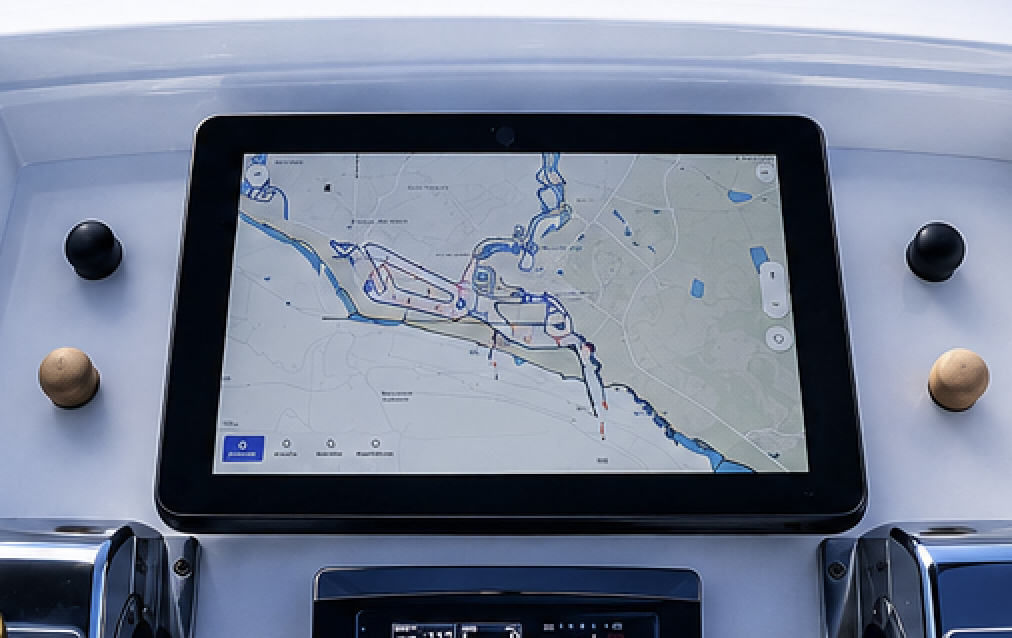
The plan was to install floating first, then recess it flush for the final look. After living with the floating version for an afternoon, I scrapped the flush plan. The floating position sits closer to me at the wheel — easier to see, easier to reach, and it doesn’t crowd the throttles. Because the unit has to lock and unlock for removal, the mount sits proud of the dash by the depth of the unit no matter what — so a flush cut wouldn’t give you a perfectly flush plotter anyway. And almost nothing else on the market looks like this, because almost nothing else has the portability that justifies the floating shape. Leaning into what makes the Display 2 different made more sense than fighting it.
A Cleaner Dash, and a Second Mount Below Deck
Because the Display 2 talks to the Core 2 wirelessly, the only thing routed through the dash is a single power cable for the wireless charger. Compared to the rats’ nest of N2K backbone, transducer cables, and power leads behind a traditional chart plotter, this is a five-hole dash with one wire. When Orca releases new hardware down the line, I’m not cutting a giant rectangle out of acrylic to swap in a new bezel.
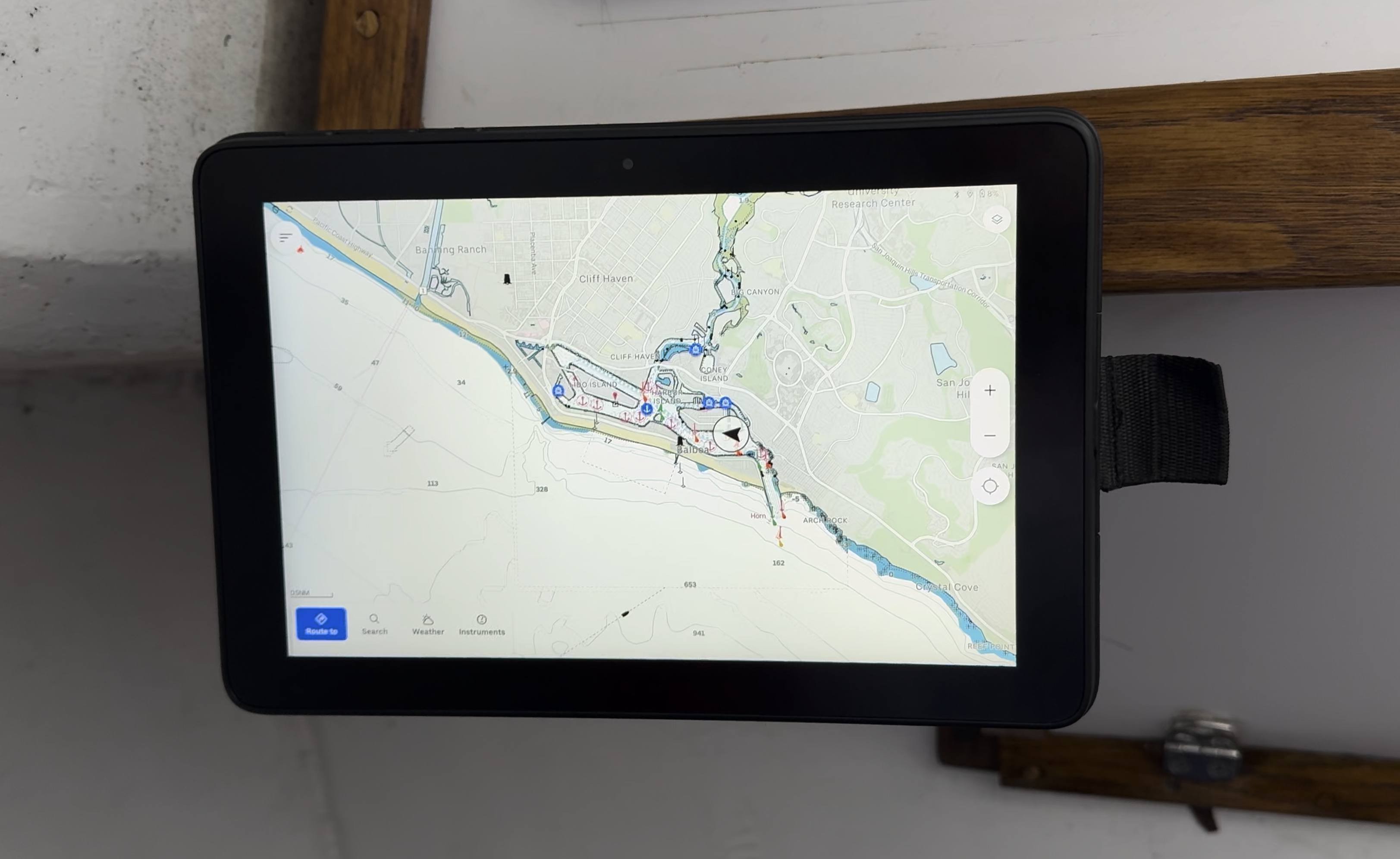
I also added a second mount below decks on an articulating arm. Same wireless mount, different location. When I’m off the boat, the display lives down there out of the weather. On anchor it doubles as an anchor-alarm screen at the dinette. And because it runs Android, I can pull up Google Drive for filming notes or pair it with Starlink as a small smart TV at night.
The Verdict
The Display 2 isn’t trying to be the biggest or brightest plotter on the market. It’s trying to be the most useful one — a chart plotter that goes wherever you go on the boat, with a clean install, real buttons for the operations you actually use underway, and a dash that stays simple behind it. After six years on a compass, this is the helm upgrade I should have done a long time ago. Watch the full install and dash build on the JakeSea YouTube channel, and if you’ve installed an Orca display on your own boat — floating or flush — let me know in the comments which mounting style you went with and why.